
EMO Use Cases
Real problems. Simpler workflows.
From defect lists and site inspections to everyday task management, discover practical ways to get more done with EMO.
Featured workflow · Subcontractors
Turn somebody else’s defect list into your team’s work.
The main contractor sends a PDF. Your team needs clear instructions, locations and owners. Keep the source, review the proposals and organize the follow-up.
See the defect-list workflow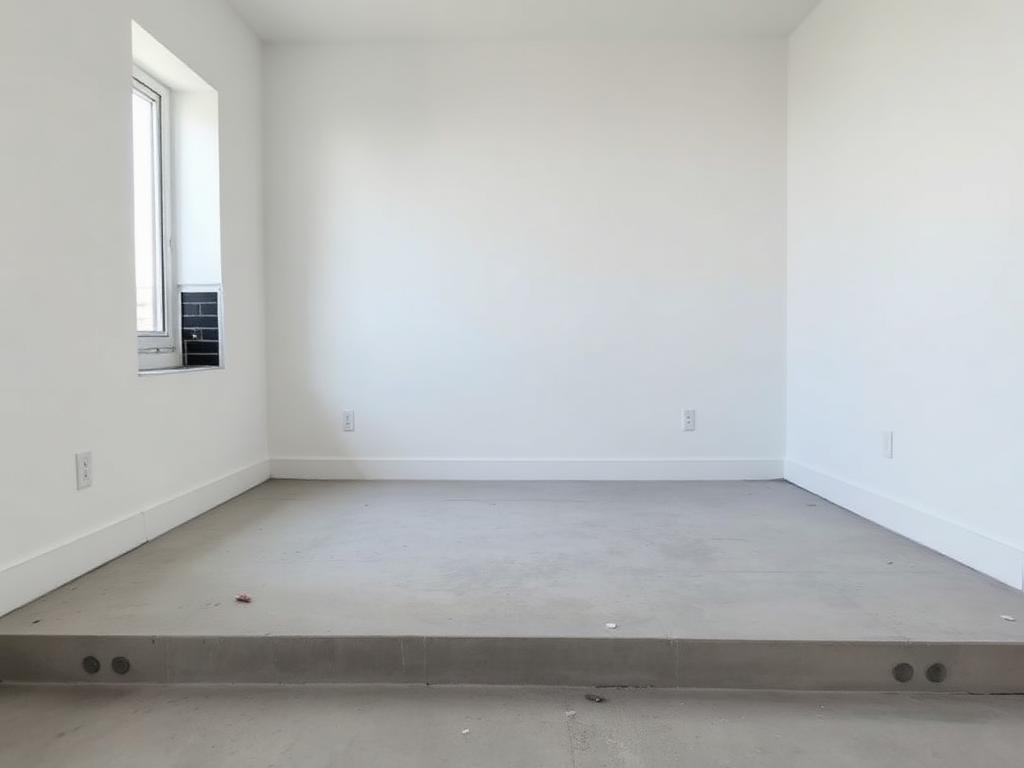
Check paint damage
Apartment A12
Assigned to Mika
Open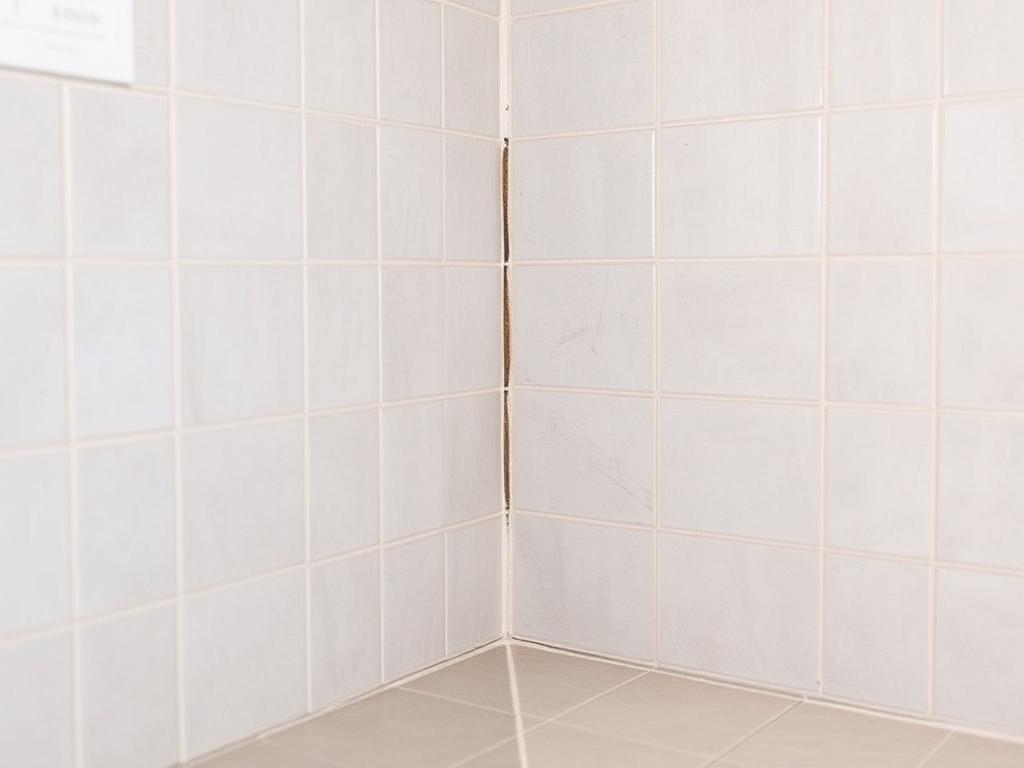
Remove adhesive residue
Apartment B07
Assigned to Alex
In progress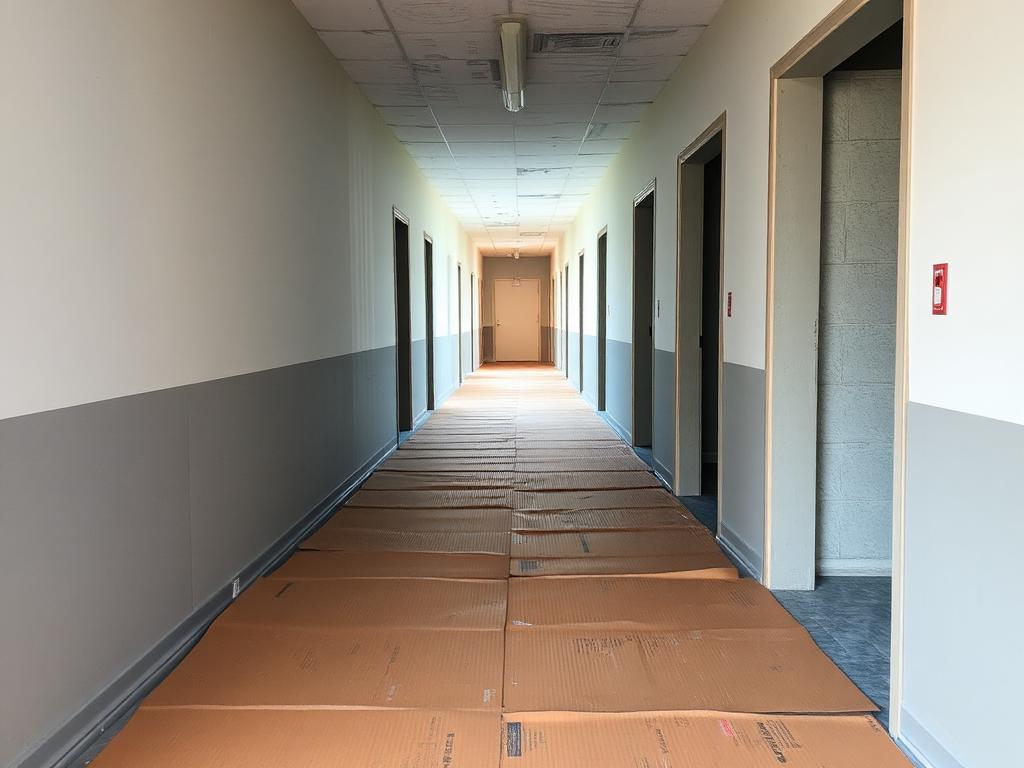
Inspect ceiling surface mark
Stairwell C
Assigned to Jamie
DoneScripted example · after user approval
Four practical workflows.
For construction subcontractors
Turn PDF defect lists into tasks.
Stop manually splitting reports into work instructions. Attach the PDF, describe the relevant work and review EMO’s task proposals. Organize the follow-up in one place.
Adapted EMO screen · scripted example
Explore the workflow
For supervisors and field teams
Capture site inspections and create reports.
Keep observations, photos and follow-up together. Use Session, reviewed tasks and supported PDF reporting instead of rebuilding the same work record in separate documents.
Adapted EMO screen · scripted example
Explore the workflow
For people doing the work
Turn spoken updates into reviewed tasks.
A short spoken observation can become a clear task proposal. You review the instruction and confirm what happens next.
Adapted EMO screen · scripted example
Explore the workflow
Your personal daily workspace
Keep daily work organized with My Day.
Today’s assigned tasks, personal notes and attachments in one daily workspace. Finish the day with a record you can return to.
Illustrative Session screen, not My Day UI
Explore the workflow
Product vision · Not available today
Results, Not Hours.
A future direction for making completed, quality-accepted work visible. Reference times stay human-defined.
Explore the vision