
For supervisors and field teams
Walk the site. Capture the work. Build the report.
Keep observations, photos and follow-up together. Use Session, reviewed tasks and supported PDF reporting instead of rebuilding the same work record in separate documents.
The problem
The walk is finished. The paperwork is not.
Photos sit on a phone. Notes sit in a notebook. Instructions get rewritten later, then assembled into Word documents and PDFs. The same observation travels through too many separate records.
The EMO workflow
From observation to organized work.
Scripted example in adapted EMO screens. This is a shared observation, task and reporting workflow, not a certified inspection or compliance system. Report summaries are not all AI-generated.
Describe what you see.
Scripted EMO demonstration · not live data
The practical outcome
A site walk with a usable work record.
Capture the observation where it happens, review the follow-up and select the relevant work and evidence for a PDF. Less scattered information, without giving up your review.
App publication is pending. Get EMO leads to current availability and Early Access.
More ways to work with EMO.
For construction subcontractors
Turn PDF defect lists into tasks.
Stop manually splitting reports into work instructions. Attach the PDF, describe the relevant work and review EMO’s task proposals. Organize the follow-up in one place.
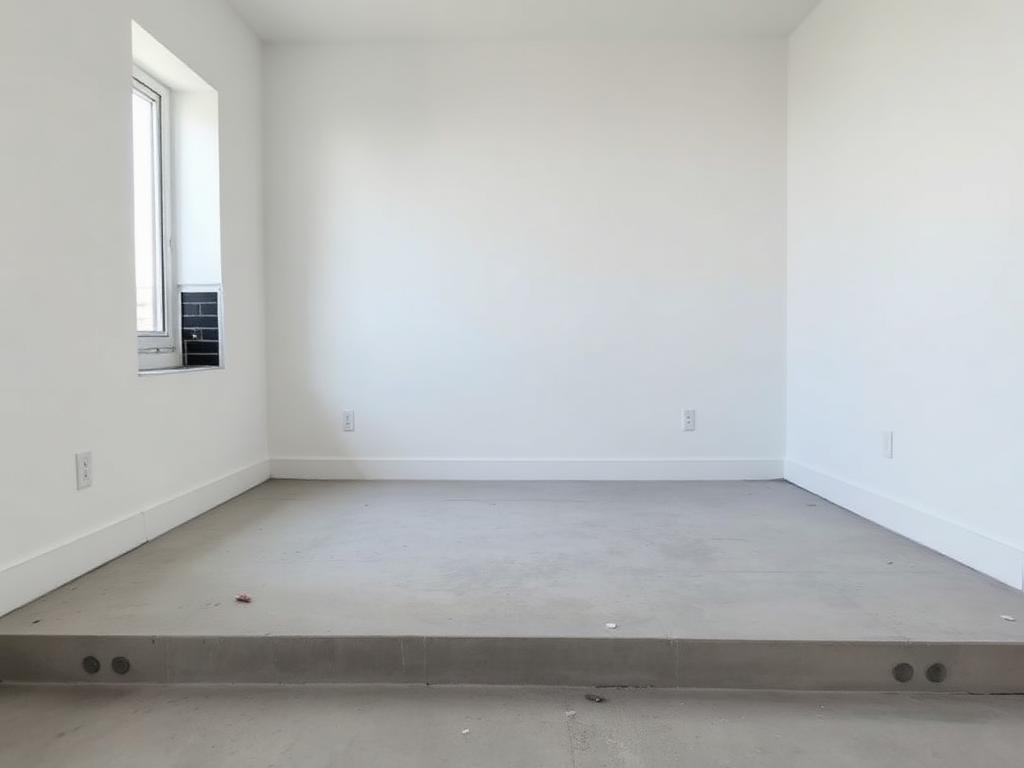
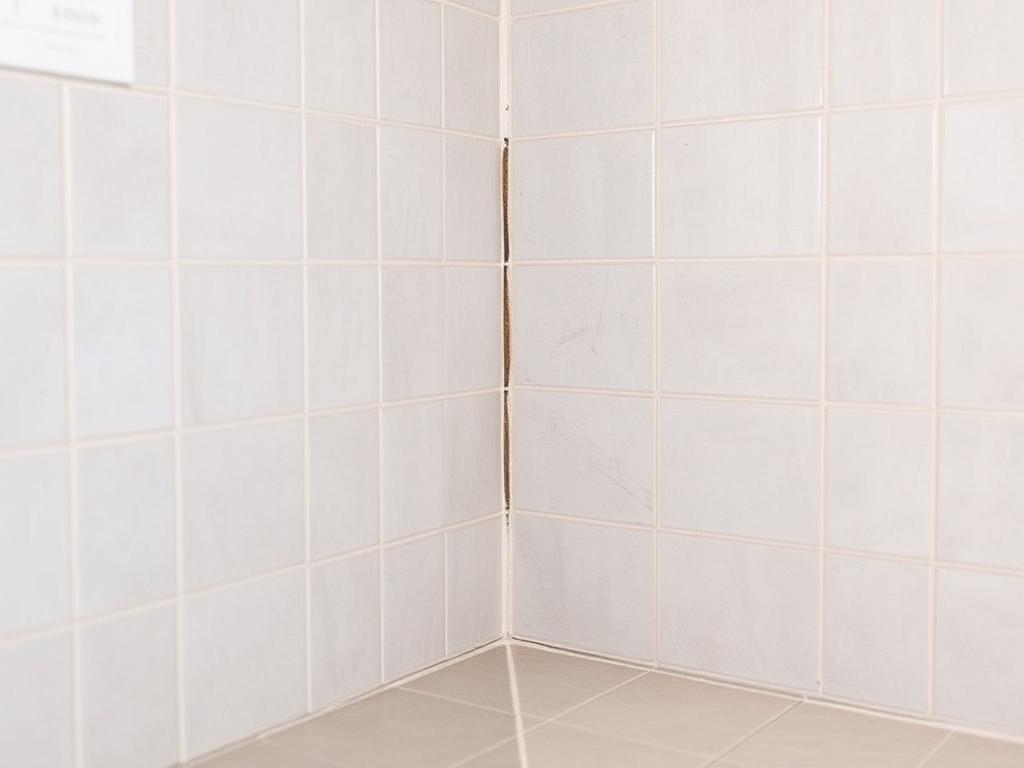
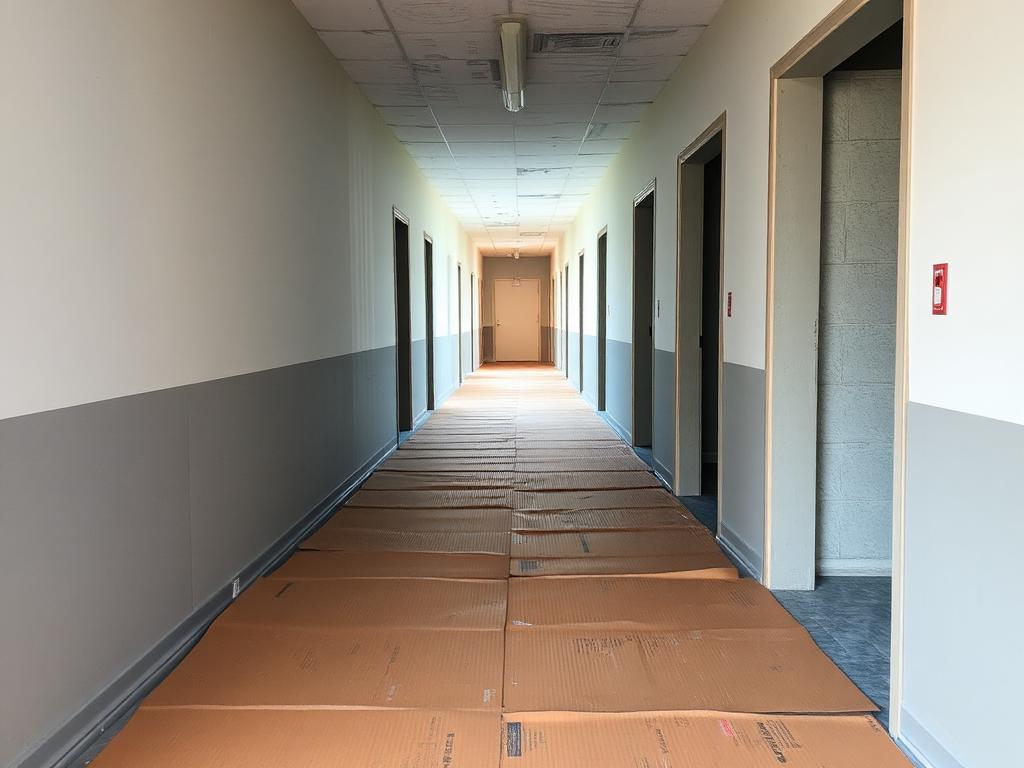
Adapted EMO screen · scripted example
Explore the workflow
For people doing the work
Turn spoken updates into reviewed tasks.
A short spoken observation can become a clear task proposal. You review the instruction and confirm what happens next.
Adapted EMO screen · scripted example
Explore the workflow
Your personal daily workspace
Keep daily work organized with My Day.
Today’s assigned tasks, personal notes and attachments in one daily workspace. Finish the day with a record you can return to.
Illustrative Session screen, not My Day UI
Explore the workflow