
Product vision
Measure what gets done. Not just time spent.
Give every worker a clear objective, a realistic reference time and visibility into progress. Make great work visible.
Future product concept. Reference-time tracking, performance benchmarking and incentive administration are not currently available EMO capabilities.
Results, Not Hours
A clear objective. A fair reference.
Contractors already estimate the work required to clean an apartment, install 10 m² of flooring, finish a set of windows or complete planned maintenance. A foreman or estimator would define the reference time using quantities, complexity, site conditions, quality requirements and the contractor’s own estimates.
AI must not independently determine or impose reference times. EMO’s future role would be to make planned output visible, capture progress and help compare planned and completed work.
Illustrative concept · Not an application screen or customer result
Objective
Clean apartment A12
Human-defined reference
3 hours
Completed in
2 hours 30 minutes
Quality
Accepted
Make great work visible. Keep people in charge.
A worker who finds a better way to complete the same quality work should be able to see that achievement. Employers could eventually design transparent incentives. Some workers might value higher earnings; others might value finishing earlier when their employment terms and scheduling allow it. The incentive model belongs to the employer, not the AI.
- Safety comes first.
- Quality must be accepted.
- Reference times are human-defined.
- Different task conditions require fair comparison.
- Team contributions must be considered.
- Employment agreements and applicable labor rules remain authoritative.
- No automated employee ranking is implied.
- No automated compensation decisions are implied.
Available workflows today
Start with the work EMO supports now.
For construction subcontractors
Turn PDF defect lists into tasks.
Stop manually splitting reports into work instructions. Attach the PDF, describe the relevant work and review EMO’s task proposals. Organize the follow-up in one place.
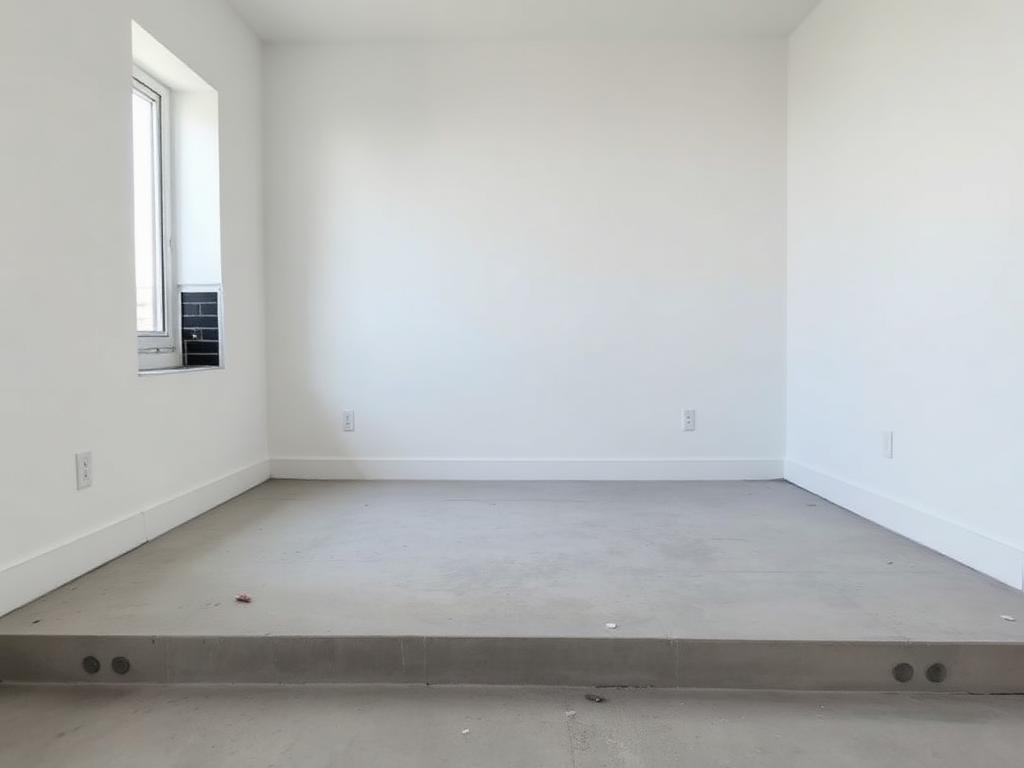
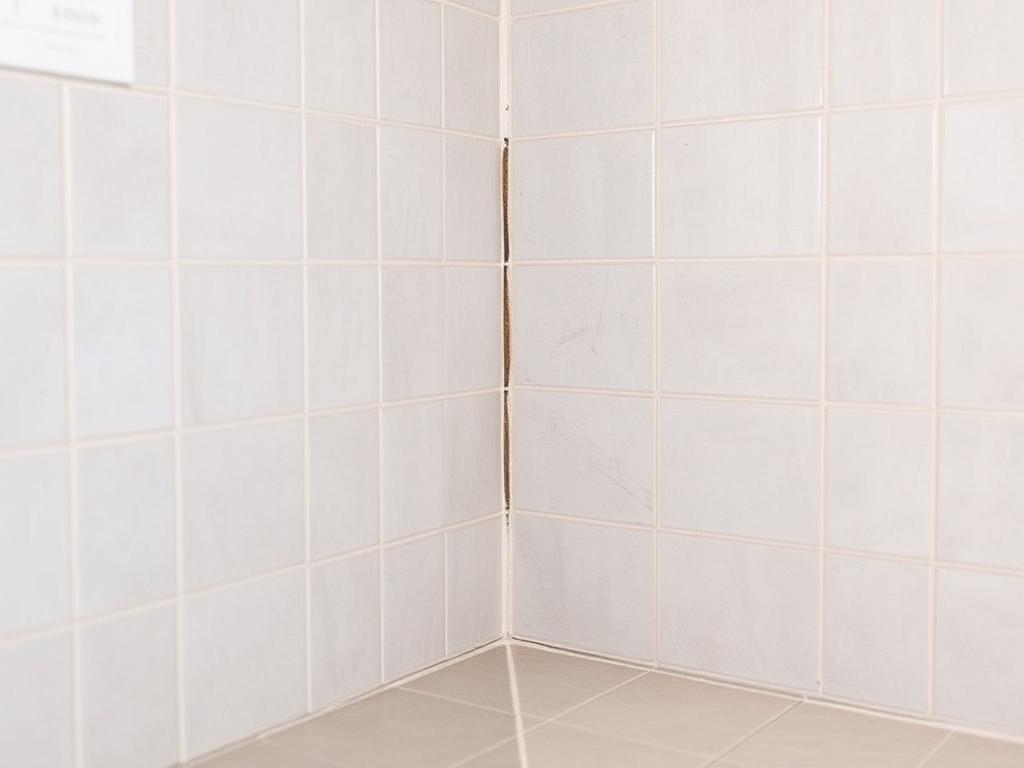
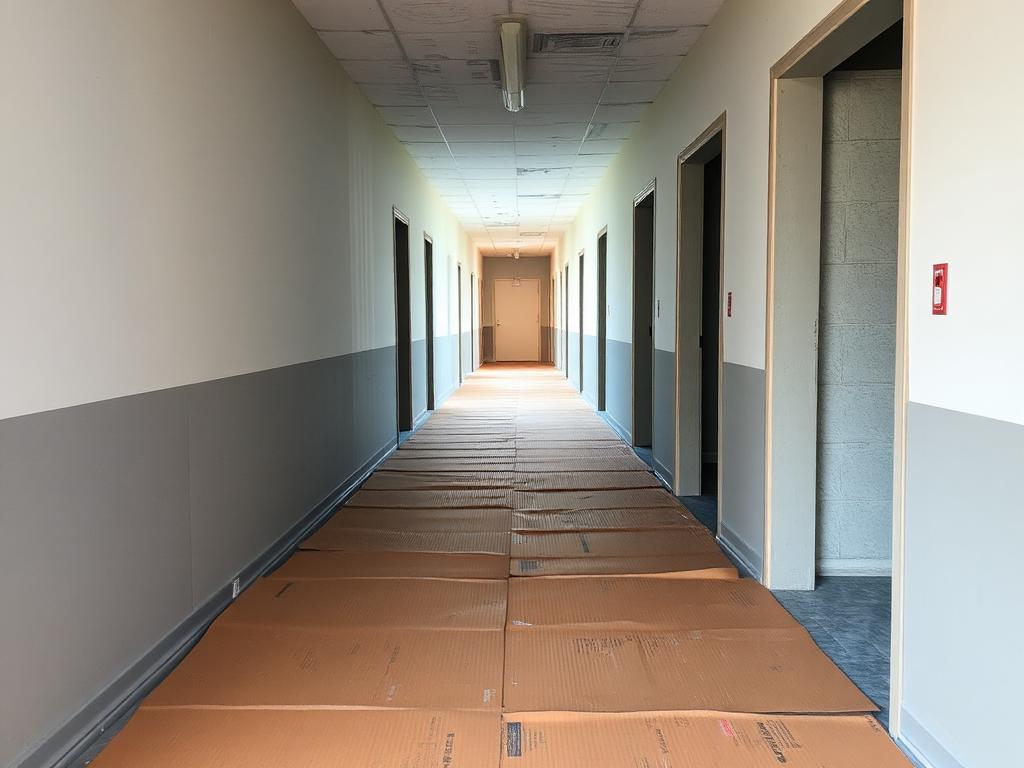
Adapted EMO screen · scripted example
Explore the workflow
For supervisors and field teams
Capture site inspections and create reports.
Keep observations, photos and follow-up together. Use Session, reviewed tasks and supported PDF reporting instead of rebuilding the same work record in separate documents.
Adapted EMO screen · scripted example
Explore the workflow
For people doing the work
Turn spoken updates into reviewed tasks.
A short spoken observation can become a clear task proposal. You review the instruction and confirm what happens next.
Adapted EMO screen · scripted example
Explore the workflow
Your personal daily workspace
Keep daily work organized with My Day.
Today’s assigned tasks, personal notes and attachments in one daily workspace. Finish the day with a record you can return to.
Illustrative Session screen, not My Day UI
Explore the workflow